Facemaker Jon
New member
I have done the following
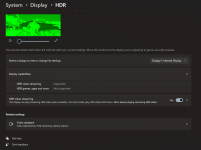
- HDR On
- Messed with the Auto dimming settings
- turned of night mode
- went into graphics and changed the app to use my nvidia Geforce GTX 1070 with Qmax design
- changed or checked battery setting to make sure the dim was turned off
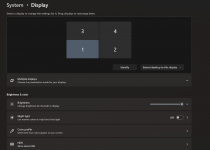
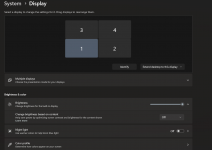
- messed with the brightness slider
- Went into Control panel and messed with hardware and sounds preferences
Is has remotly figured out a fix for this I'm honestly just trying to stream twitch and Kick on my laptop using OBS and streamlabs or restream while I use my gaming computer to stream to youtube. I've been using youtube and just using obs on laptop to send to twitch and Kick but I figured remotly was a better option for performance. but this dimming thing is annoying.
and is there away to get rid of the yellow box line indicator on my main computer I'm remoting into?
- HDR On
- Messed with the Auto dimming settings
- turned of night mode
- went into graphics and changed the app to use my nvidia Geforce GTX 1070 with Qmax design
- changed or checked battery setting to make sure the dim was turned off
- messed with the brightness slider
- Went into Control panel and messed with hardware and sounds preferences
Is has remotly figured out a fix for this I'm honestly just trying to stream twitch and Kick on my laptop using OBS and streamlabs or restream while I use my gaming computer to stream to youtube. I've been using youtube and just using obs on laptop to send to twitch and Kick but I figured remotly was a better option for performance. but this dimming thing is annoying.
and is there away to get rid of the yellow box line indicator on my main computer I'm remoting into?