

Hi Everyone,
A new version of Remotly Host and Client for PC is now available.
This new update includes the possibility to sign in with Microsoft Live and Google Accounts:
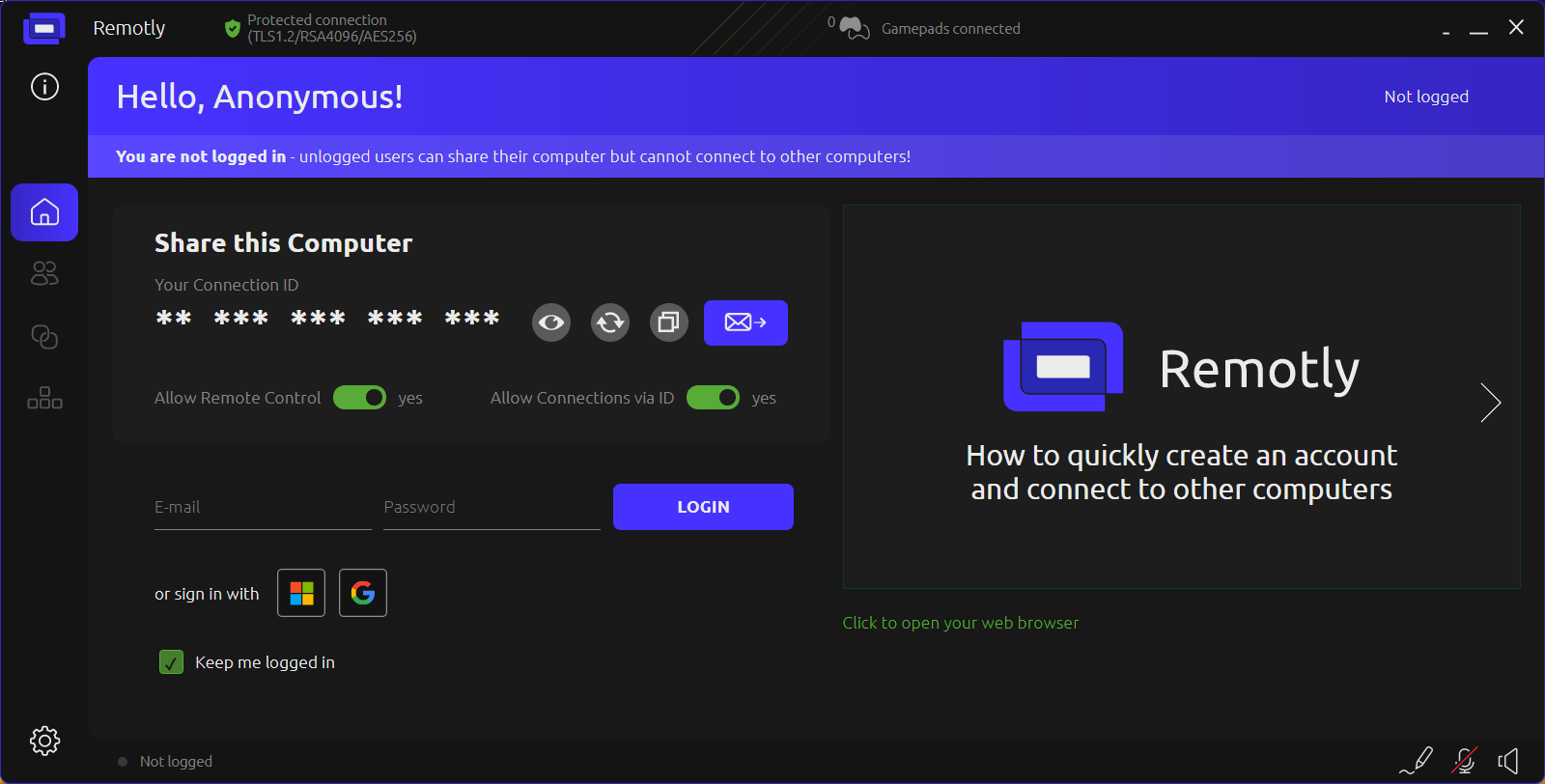
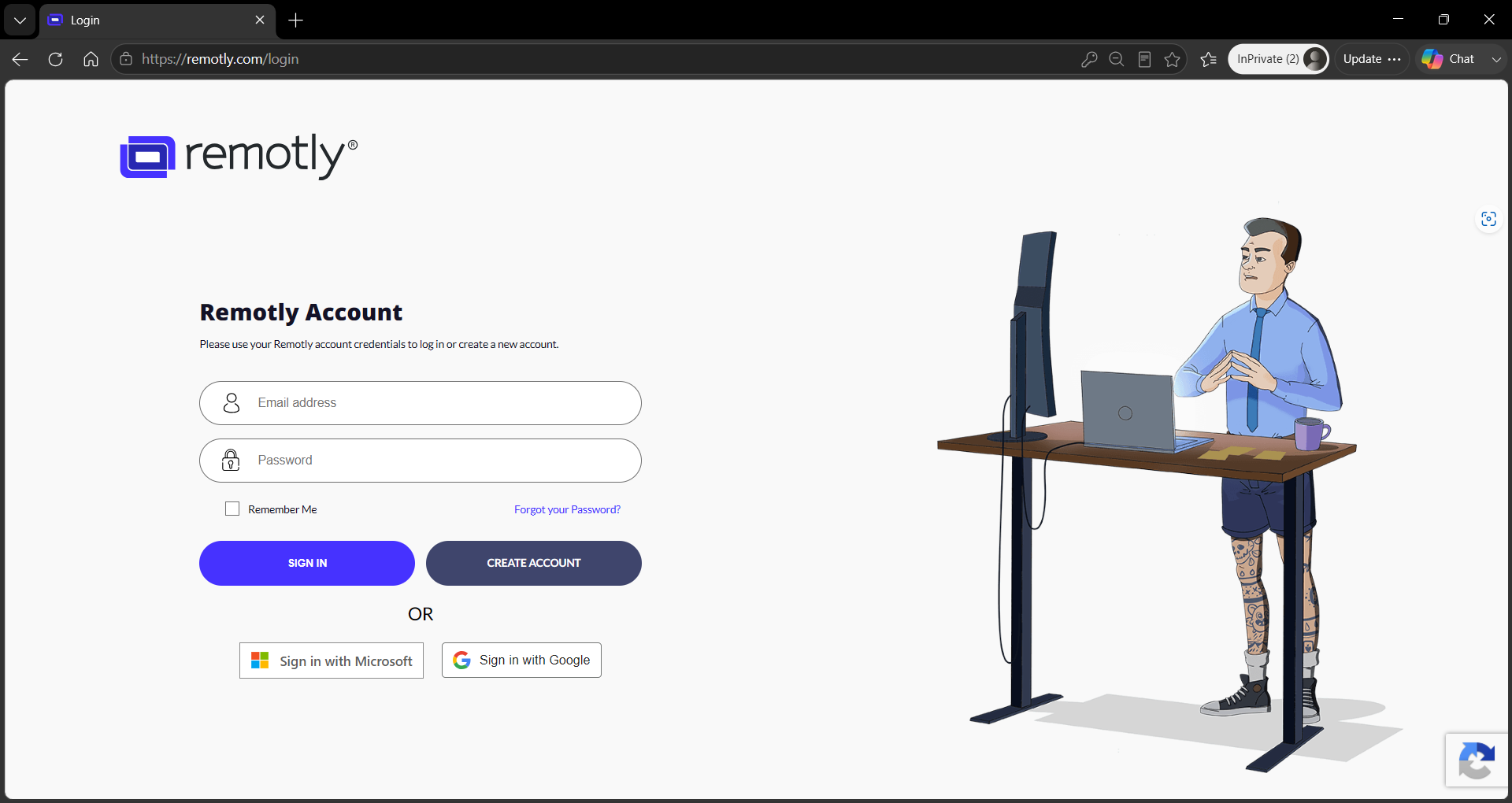
Login with Microsoft Account is mandatory to allow Entra ID (former Microsoft Azure AD) organization integration for commercial Ultimate and Enterprise accounts (a separate post with a tutorial on how to use it will follow).
IMPORTANT: Android and macOS clients with Microsoft and Google Account sign in will be released soon. For now you can login to your admin panel and set a password to allow using the standard e-mail/password method on Android and macOS.
Other changes in this update include:
- Connection settings for each device added in the admin panel using name alias (using Connection ID) are now stored separately for each such device
- Active remote display is no longer reset to primary monitor after connection settings change during connection
- Added support for 444 color streaming to macOS client
A new version of Remotly Host and Client for PC is now available.
This new update includes the possibility to sign in with Microsoft Live and Google Accounts:
Login with Microsoft Account is mandatory to allow Entra ID (former Microsoft Azure AD) organization integration for commercial Ultimate and Enterprise accounts (a separate post with a tutorial on how to use it will follow).
IMPORTANT: Android and macOS clients with Microsoft and Google Account sign in will be released soon. For now you can login to your admin panel and set a password to allow using the standard e-mail/password method on Android and macOS.
Other changes in this update include:
- Connection settings for each device added in the admin panel using name alias (using Connection ID) are now stored separately for each such device
- Active remote display is no longer reset to primary monitor after connection settings change during connection
- Added support for 444 color streaming to macOS client