
Hi Everyone,
We have just release a new update that is the last small update before v1.40 release coming later this month.
This update includes the following changes and improvements:
Remotly PC Host
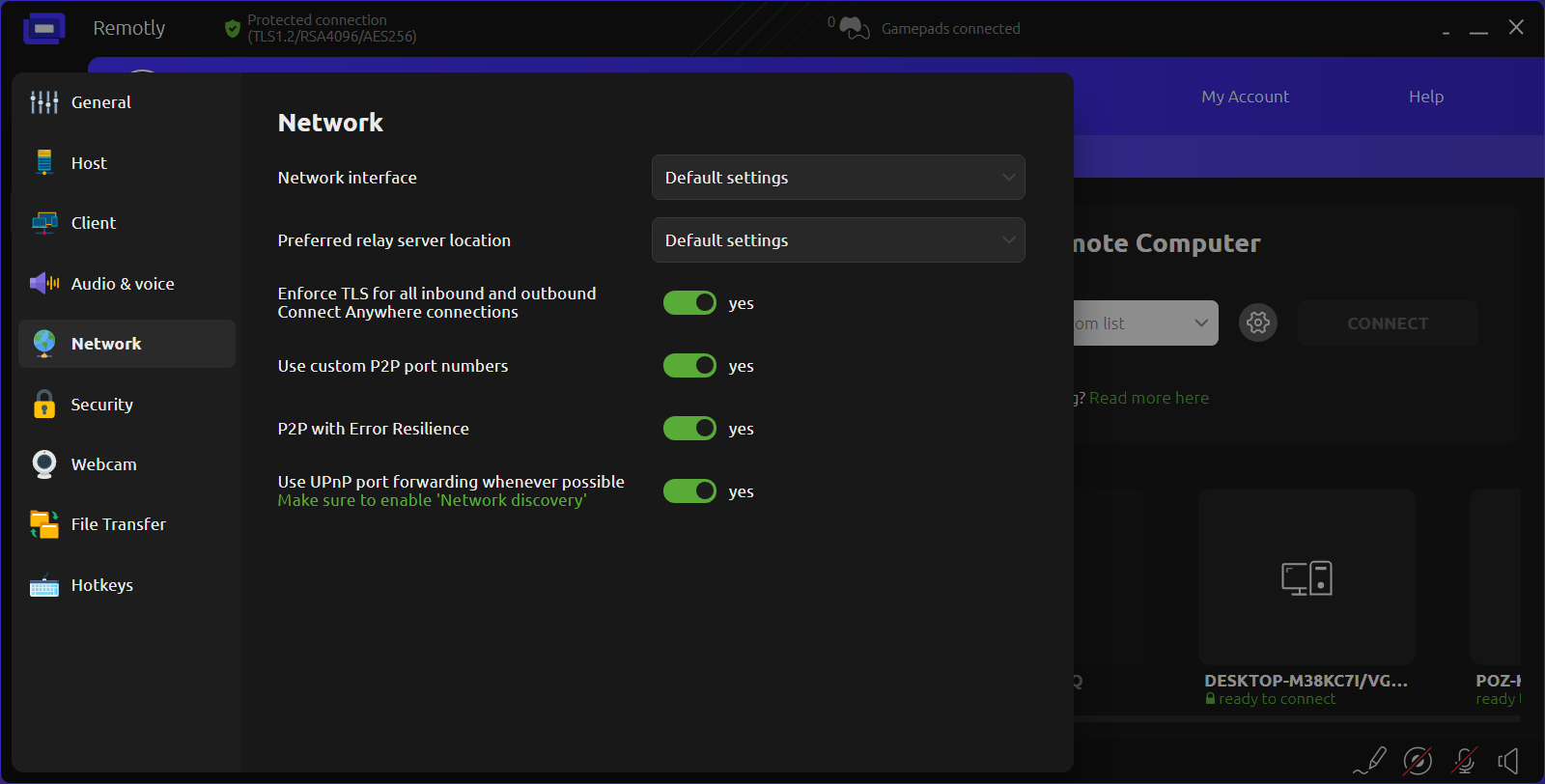
- Enforce TLS for all inbound and outbound Connect Anywhere (relay) connections.
This new option forces encapsulation of the already end-to-end encrypted data in TLS 1.2 or 1.3 protocol. This is needed when Remotly is run in a network environment with TLS inspection or aggressive network traffic filtering.
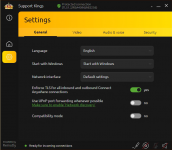
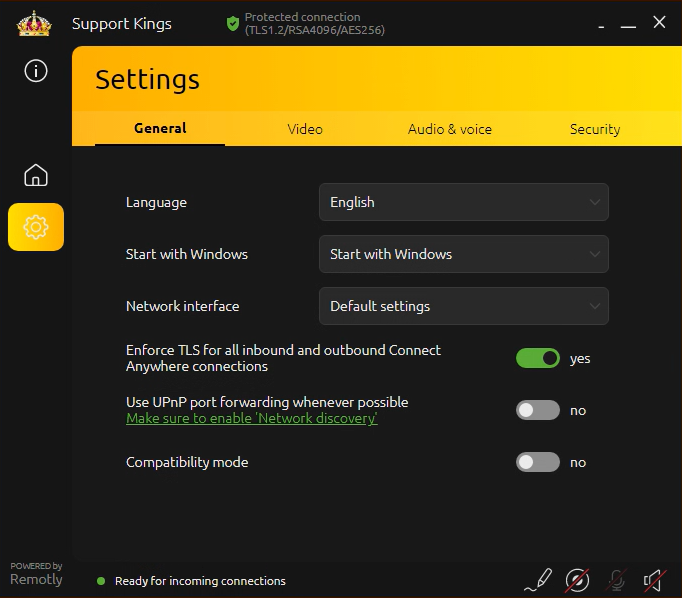
This option is also available for Remotly QuickHost (General Settings):
- Installer improvements.
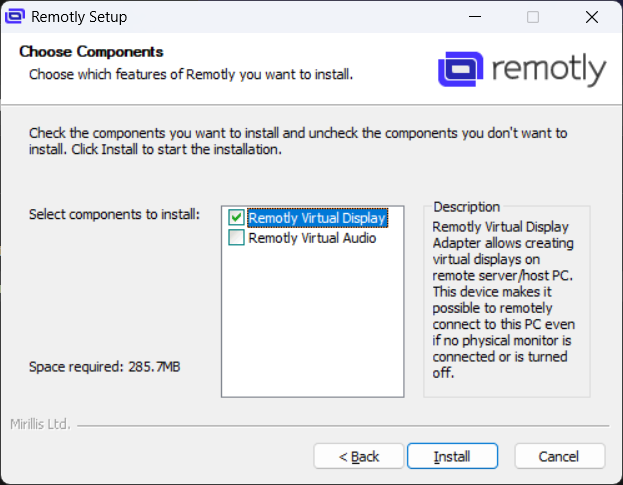
"Choose components" can now be used to select which Remotly drivers will be installed together with the main application. There is also a new USB-P (USB Pass-through) driver coming in version 1.40. This driver allows using of devices connected to the client side on the host side just as they would be connected physically to the remote host. It is now possible to install the drivers in silent mode using "/install_drivers=yes" option when starting the installer from command line (please make sure to add /S option which forces silent installation). The "/install_drivers=yes" option is also available for Remotly QuickHost for easy silent mass deployment.
Remotly QuickHost
- Start with system is enabled by default and device authorization is disabled by default.
- Added minimize to tray button
Remotly PC Client
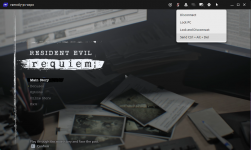
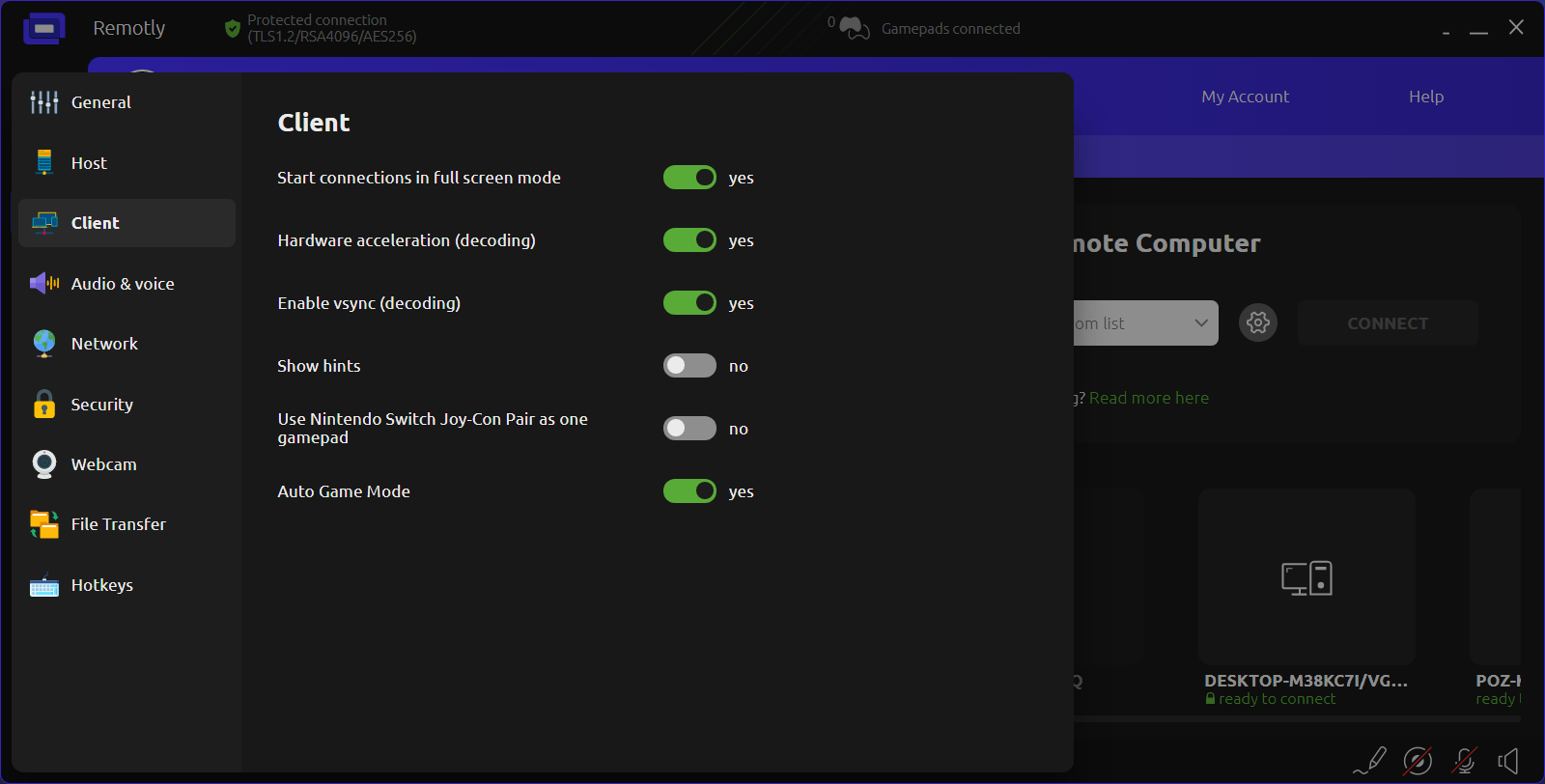
- Start connections in full screen mode.
This new option allows starting of connections in full screen borderless window. The position of the window where it was last positioned is remembered for each remote device separately.
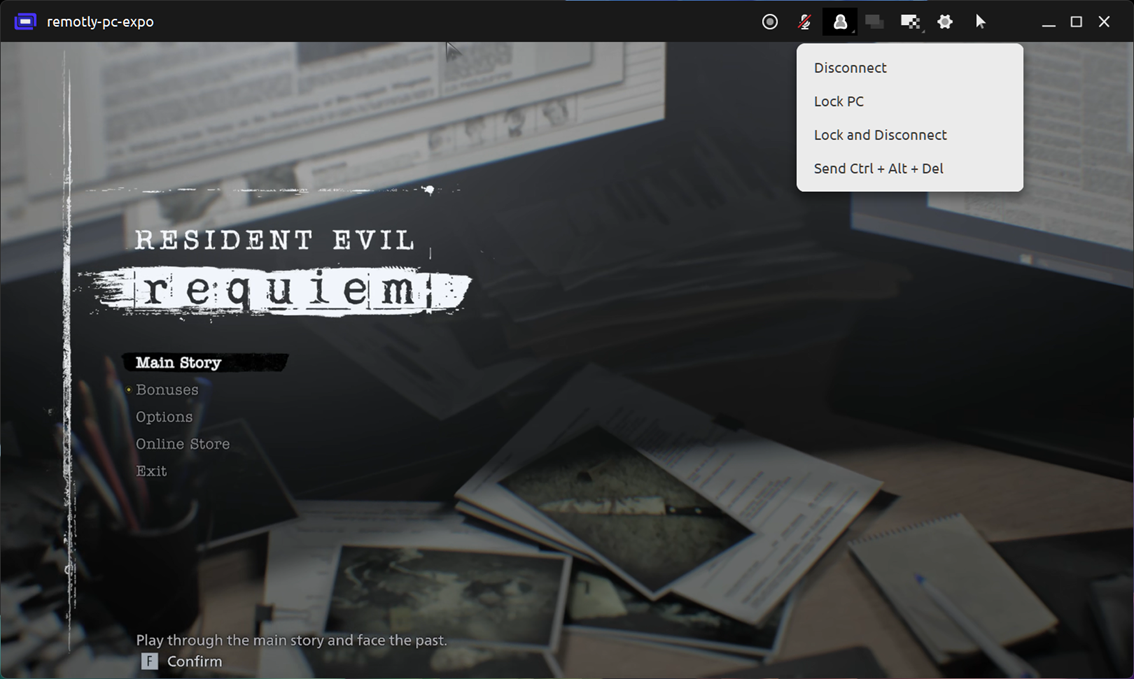
- Removed video dimming when on-screen menus and dialogs are visible.
We have just release a new update that is the last small update before v1.40 release coming later this month.
This update includes the following changes and improvements:
Remotly PC Host
- Enforce TLS for all inbound and outbound Connect Anywhere (relay) connections.
This new option forces encapsulation of the already end-to-end encrypted data in TLS 1.2 or 1.3 protocol. This is needed when Remotly is run in a network environment with TLS inspection or aggressive network traffic filtering.
This option is also available for Remotly QuickHost (General Settings):
- Installer improvements.
"Choose components" can now be used to select which Remotly drivers will be installed together with the main application. There is also a new USB-P (USB Pass-through) driver coming in version 1.40. This driver allows using of devices connected to the client side on the host side just as they would be connected physically to the remote host. It is now possible to install the drivers in silent mode using "/install_drivers=yes" option when starting the installer from command line (please make sure to add /S option which forces silent installation). The "/install_drivers=yes" option is also available for Remotly QuickHost for easy silent mass deployment.
Remotly QuickHost
- Start with system is enabled by default and device authorization is disabled by default.
- Added minimize to tray button
Remotly PC Client
- Start connections in full screen mode.
This new option allows starting of connections in full screen borderless window. The position of the window where it was last positioned is remembered for each remote device separately.
- Removed video dimming when on-screen menus and dialogs are visible.